To share an HSP in an application, you must upload the HSP package to a private repository. Since HSPs cannot be directly published to a private repository, they must first be converted into .tgz files as follows:
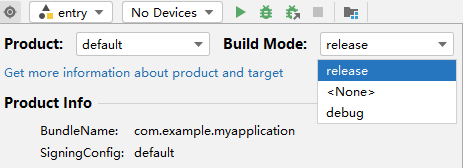
- Set the build mode to release.
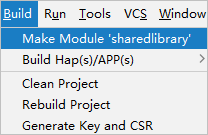
- Select the root directory of the HSP and choose Build > Make Module {libraryName} to start the build.
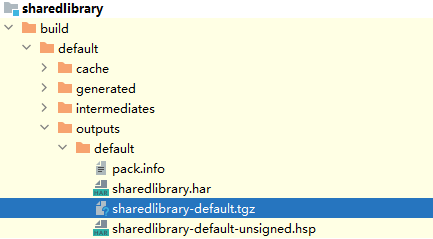
- After the build is complete, the HSP is generated in the build directory, where the .tgz file is used for uploading to the private repository. For details, see Publishing Third-Party Libraries to ohpm-repo.
- Upload the .tgz file to the repository. Then, use the ohpm install command to install the dependency into the project. Be sure to add the dependency in the dependencies field of the oh-package.json5 file. Once installed, the shared methods of the HSP will be available for use in the application.
Reference