Use Cases
Starting from 6.1.1(24), the division selection control allows users to specify the maximum display level.
This section describes how to integrate the division selection control. This control does not apply to wearables.
This control can load the administrative division information of the world or a specified country or region and display the information in a tree structure. The following functions are supported:
-
View the lower-level divisions of an administrative division.
-
Recommend popular administrative divisions.
-
Launch the administrative division selection control in a subwindow, suitable for wide-screen devices.
Figure 1 Selecting the country/region
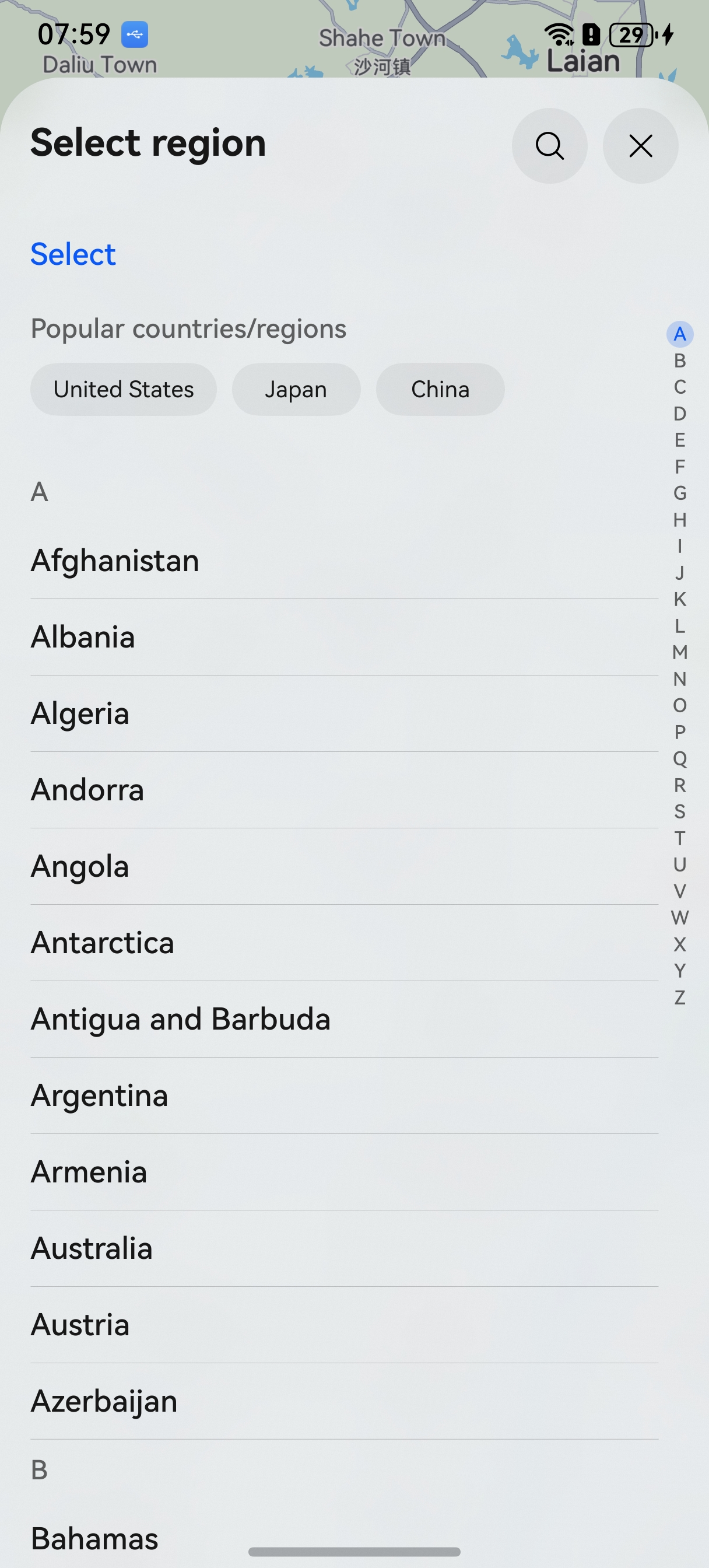
Figure 2 Selecting the province and city

Figure 3 Searching for an area
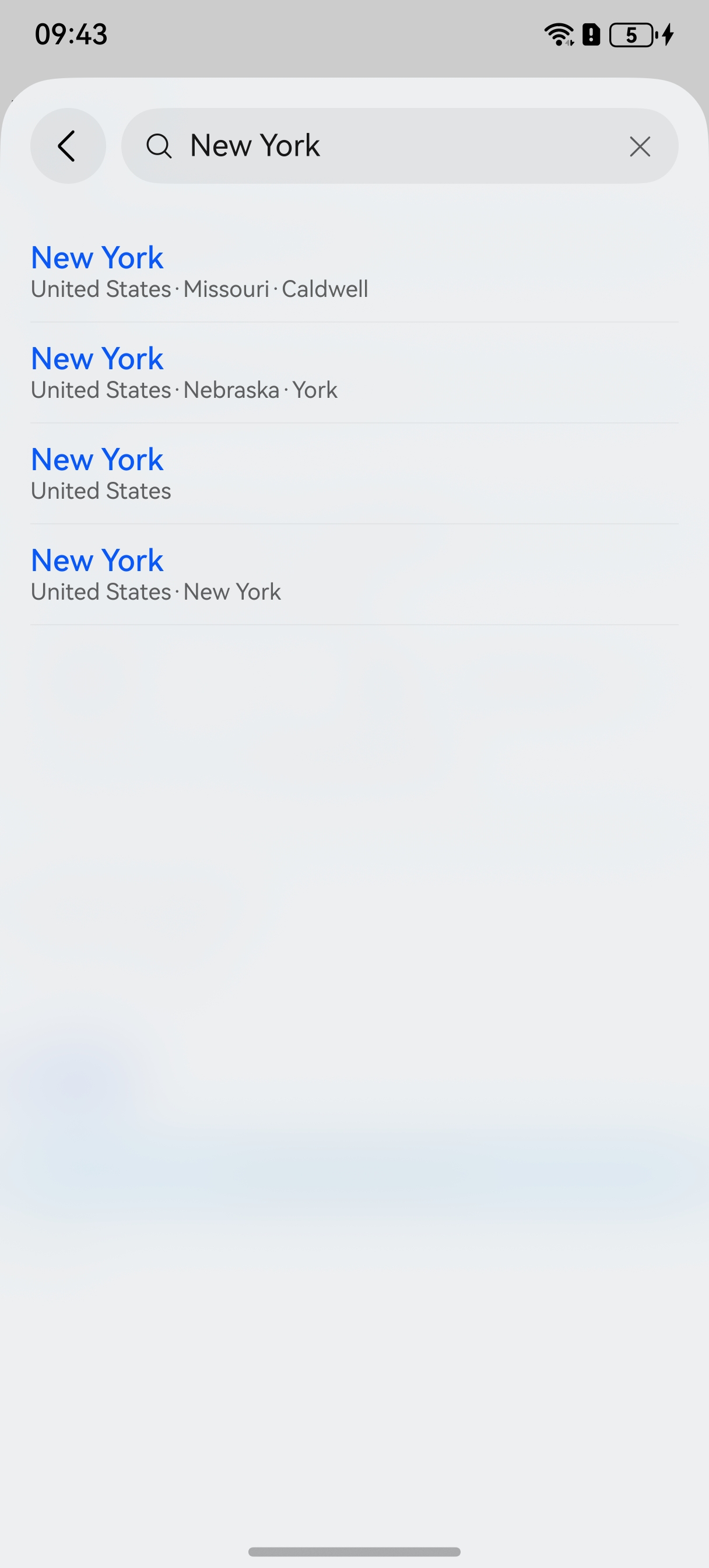
Figure 4 Launching the administrative division selection control in a subwindow
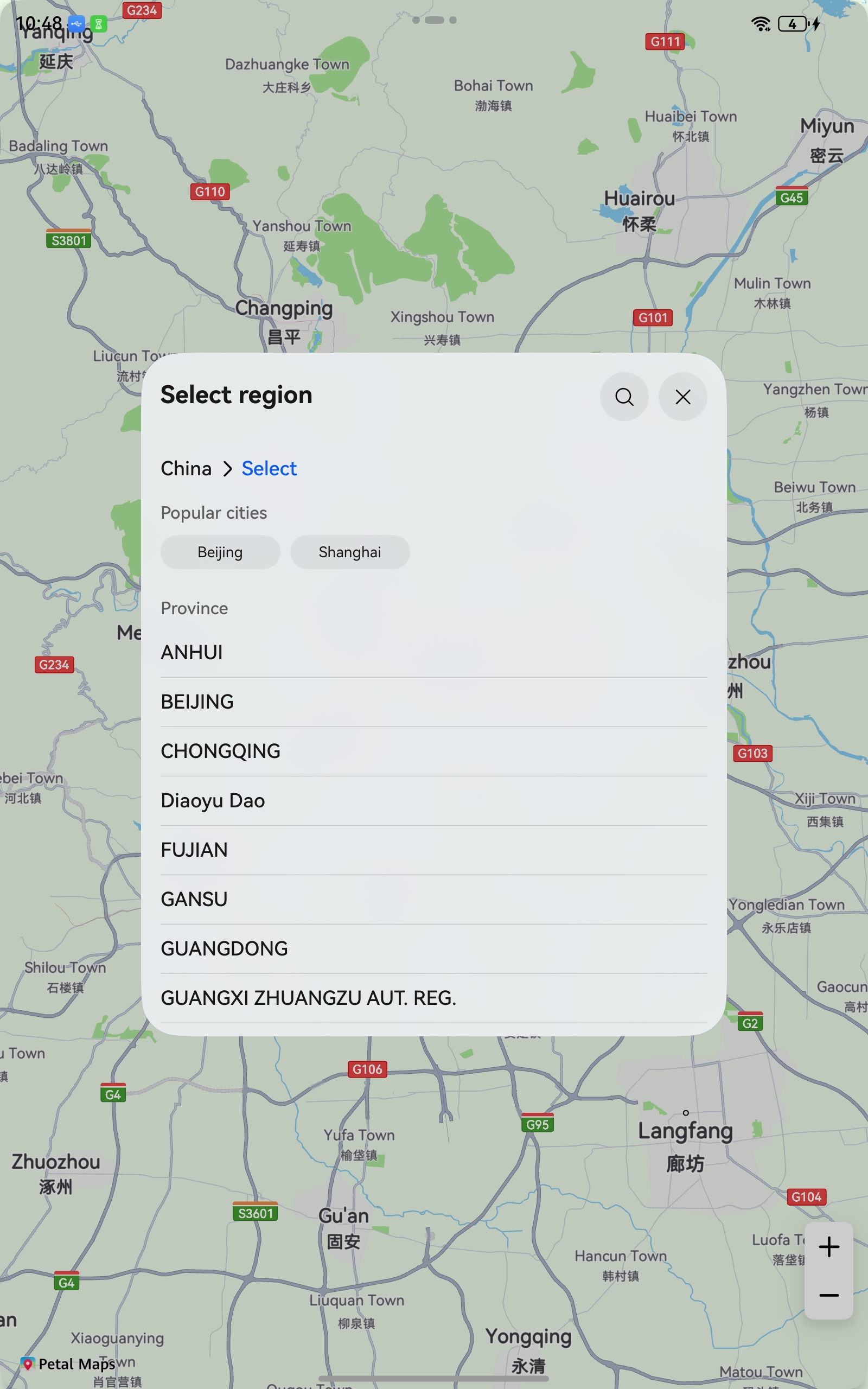
Constraints
To use this function, the following condition must be met:
- The device must be a phone, tablet, or PC/2-in-1 device.
API Description
Functions of this control are mainly provided by the selectDistrict method in the sceneMap namespace. For more information about the APIs, please refer to API Reference.
| API | Description |
|---|---|
| DistrictSelectOptions | Initial options on the division selection page. |
| selectDistrict(context: common.Context, options: DistrictSelectOptions): Promise<DistrictSelectResult> | Displays the division selection page. |
| DistrictSelectResult | Division selection result. |
Development Procedure
-
Import required modules.
import { sceneMap } from '@kit.MapKit'; import { BusinessError } from '@kit.BasicServicesKit'; -
Create request parameters for division selection and call the selectDistrict method to display the division selection page.
let districtSelectOptions: sceneMap.DistrictSelectOptions = {
  countryCode: "CN",
  // Enable page displaying in a subwindow.
  subWindowEnabled: true,
  // Maximum display level of the division selection control.
  maxAdminLevel: 3
};
// Display the division selection page.
sceneMap.selectDistrict(this.getUIContext().getHostContext(), districtSelectOptions).then((data) => {
  console.info("SelectDistrict", "Succeeded in selecting district.");
}).catch((err: BusinessError) => {
  console.error("SelectDistrict", `Failed to select district, code: ${err.code}, message: ${err.message}`);
});