Symptom
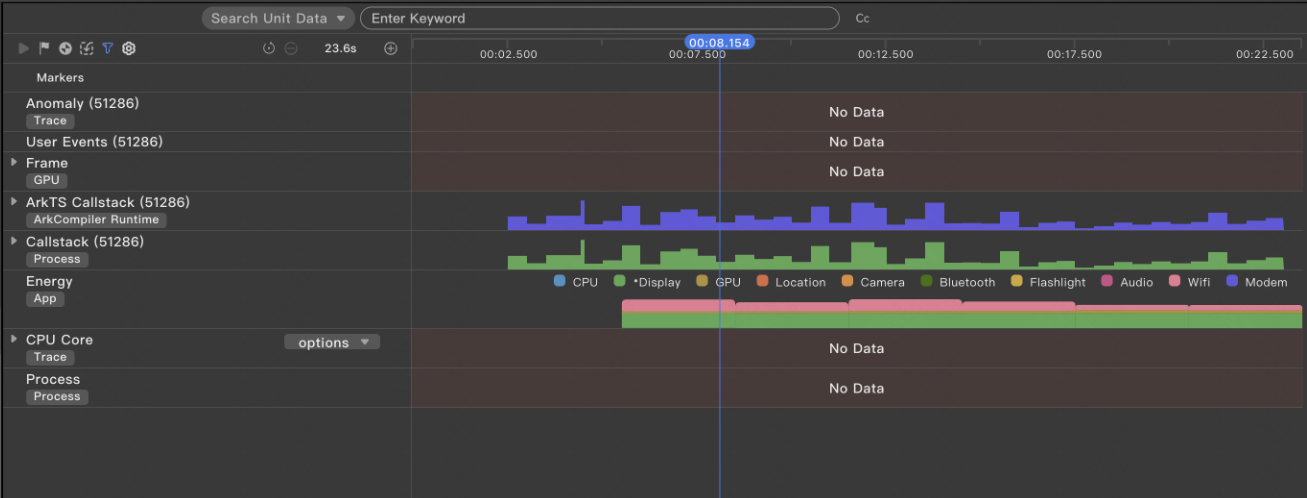
When the Profiler is used to record data on macOS, trace-related lanes may display "No Data".
Possible Causes
The chip of the current macOS model does not support trace_streamer parsing. As a result, "No Data" is displayed in trace-related lanes when data is recorded.
Root Cause Verification
You can perform the following steps to verify:
- Find the directory where trace_streamer.exe is located in the DevEco Studio installation directory on macOS.
- Use the command line tool to run the trace_streamer.exe 1.htrace -e 1.db command to parse a trace file.
- If the command output is zsh: bad CPU type in executable, the current macOS chip does not support trace_streamer parsing.
Solution
The provided trace_streamer.exe binary file is for the x86 architecture. If macOS uses the ARM architecture, the parsing is not supported. This issue can be resolved by installing Rosetta.