You can use implicit Want mechanism to call other applications to open files. You can set fields such as the carried data (uri), MIME type (type), and want processing mode (flag) so that the system can identify and display a selection box for users to select a proper application to open files. If only one app is matched, the application is directly started.
The display effect is shown below.
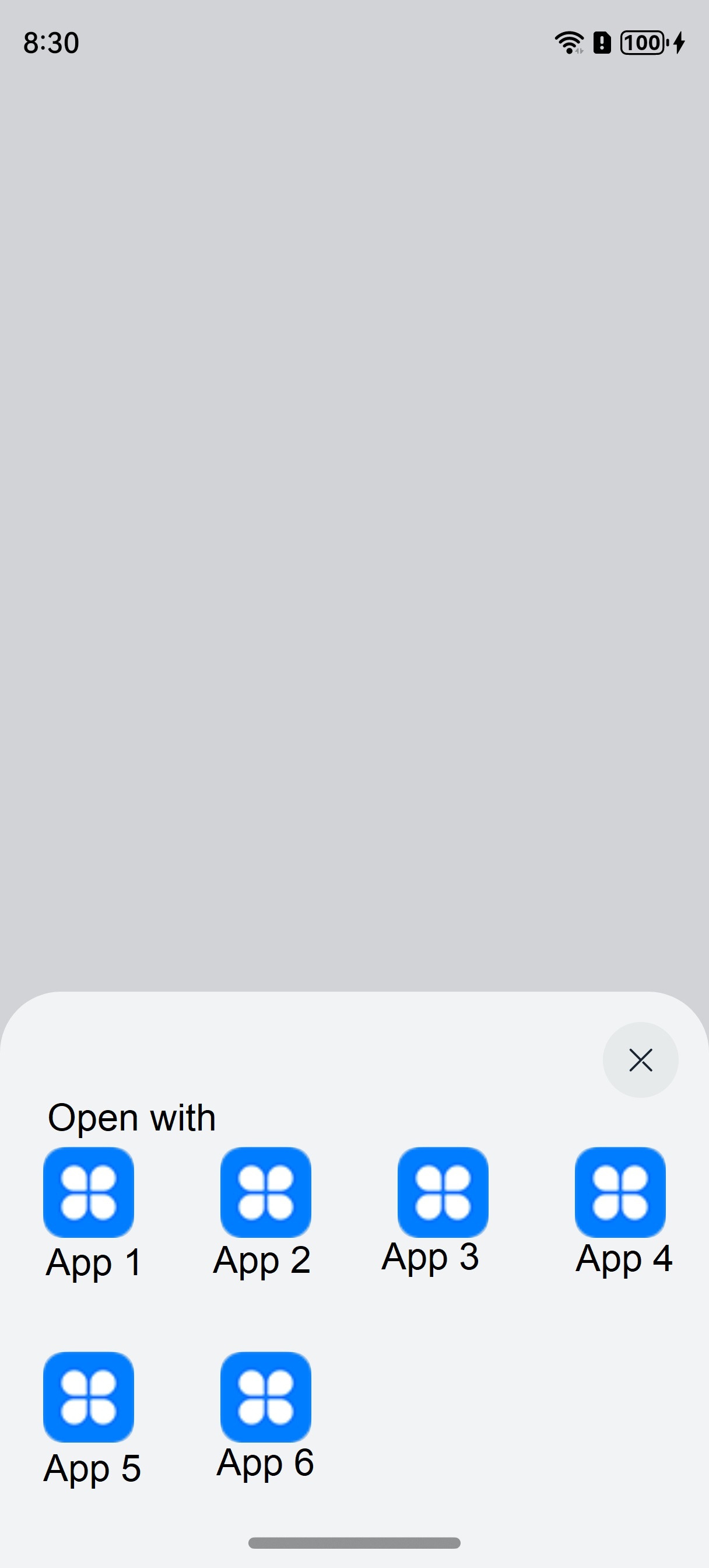
Calling Application
- Import the required modules.
import common from '@ohos.app.ability.common'; import Want from '@ohos.app.ability.Want'; import wantConstant from '@ohos.app.ability.wantConstant'; import { BusinessError } from '@ohos.base'; - Construct request data.
// Construct request data Want, taking opening a Word file as an example let wantInfo: Want = { uri: 'file://.../test.docx', // Indicate the URI path of the file to be opened, usually used in conjunction with type type: 'application/msword', // Indicate the type of file to be opened flags: wantConstant.Flags.FLAG_AUTH_WRITE_URI_PERMISSION, // Authorization to perform write operations on URI } - Call the API to start the target application.
// Call the startAbility interface to open files
let context = this.getUIContext().getHostContext() as common.UIAbilityContext;
context.startAbility(wantInfo).then(() => {
  // ...
}).catch((err: BusinessError) => {
  // ...
})
Target Application
Register the file opening capability in the module.json5 file.
{
  "module": {
    // ...
    "abilities": [
      {
        // ...
        "skills": [
          {
            "actions": [
              "ohos.want.action.viewData" // Declaration of Data Processing Capability
            ],
            "uris": [
              {
                // Allow opening Word files in URI that start with the file://protocol to identify the local file
                "scheme": "file",
                "type": "application/msword", // Indicates supported file types for opening
                "linkFeature": "FileOpen" // The function of this URI is to open files
              }
              // ...
            ]
            // ...
          }
        ]
      }
    ]
  }
}
The target application will be reviewed when it is released on AppGallery.
Reference