Sign in to AppGallery Connect, choose Development and services, find your desired app, and click it to access the Project settings page. On the General information tab page, find the client ID under App information.
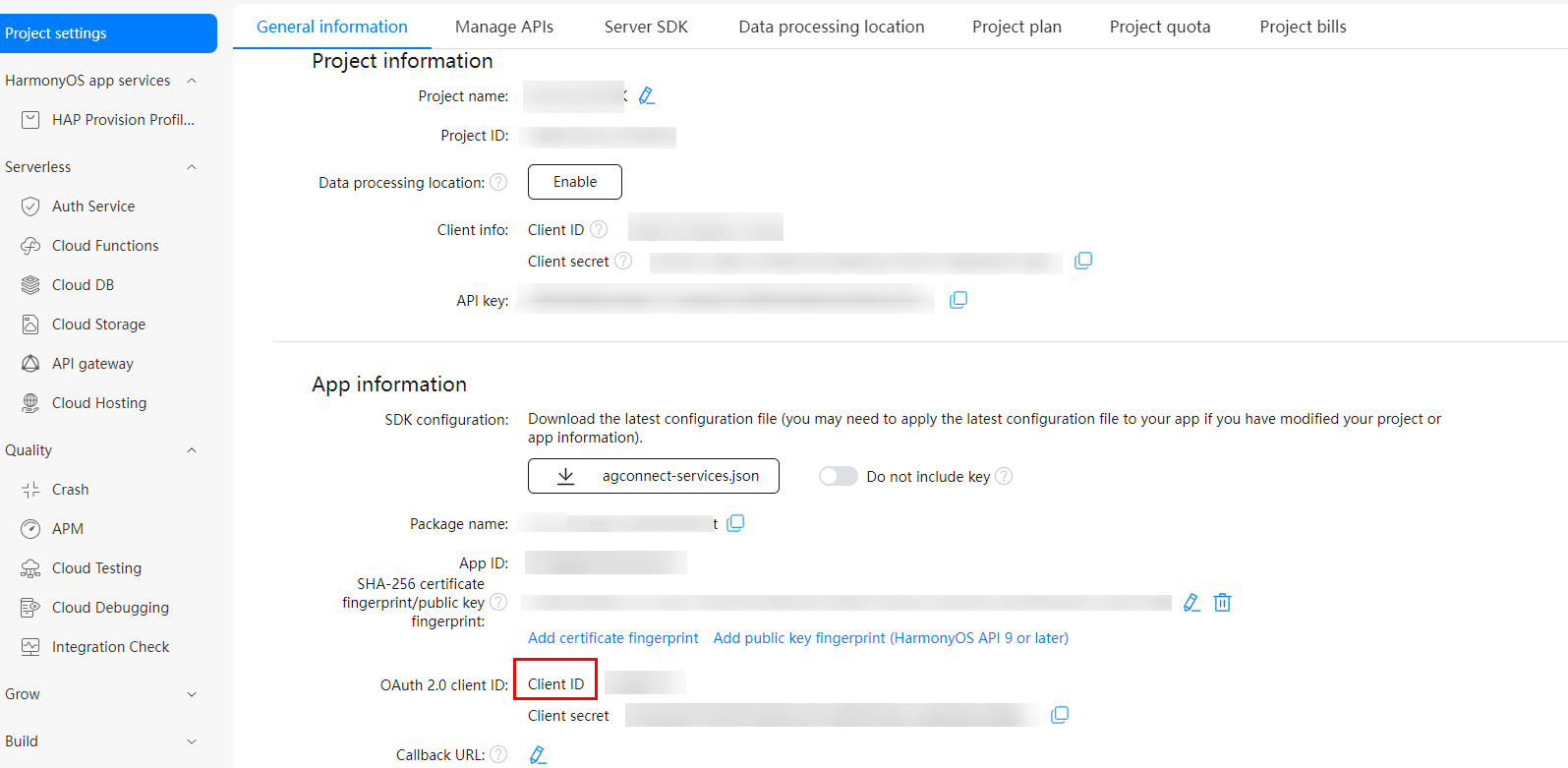
In the module.json5 file of the entry module in the project, add the metadata section, in which you should set name to client_id and value to the client ID obtained in the previous step.
{
  "module": {
    "name": "xxxx",
    "type": "entry",
    "description": "xxxx",
    "mainElement": "xxxx",
    "deviceTypes": [],
    "pages": "xxxx",
    "abilities": [],
    "metadata": [
      // Configure the following information:
      {
        "name": "client_id",
        "value": "xxxxxx"
      }
    ]
  }
}